
The Best iOS 27 Features for Travellers
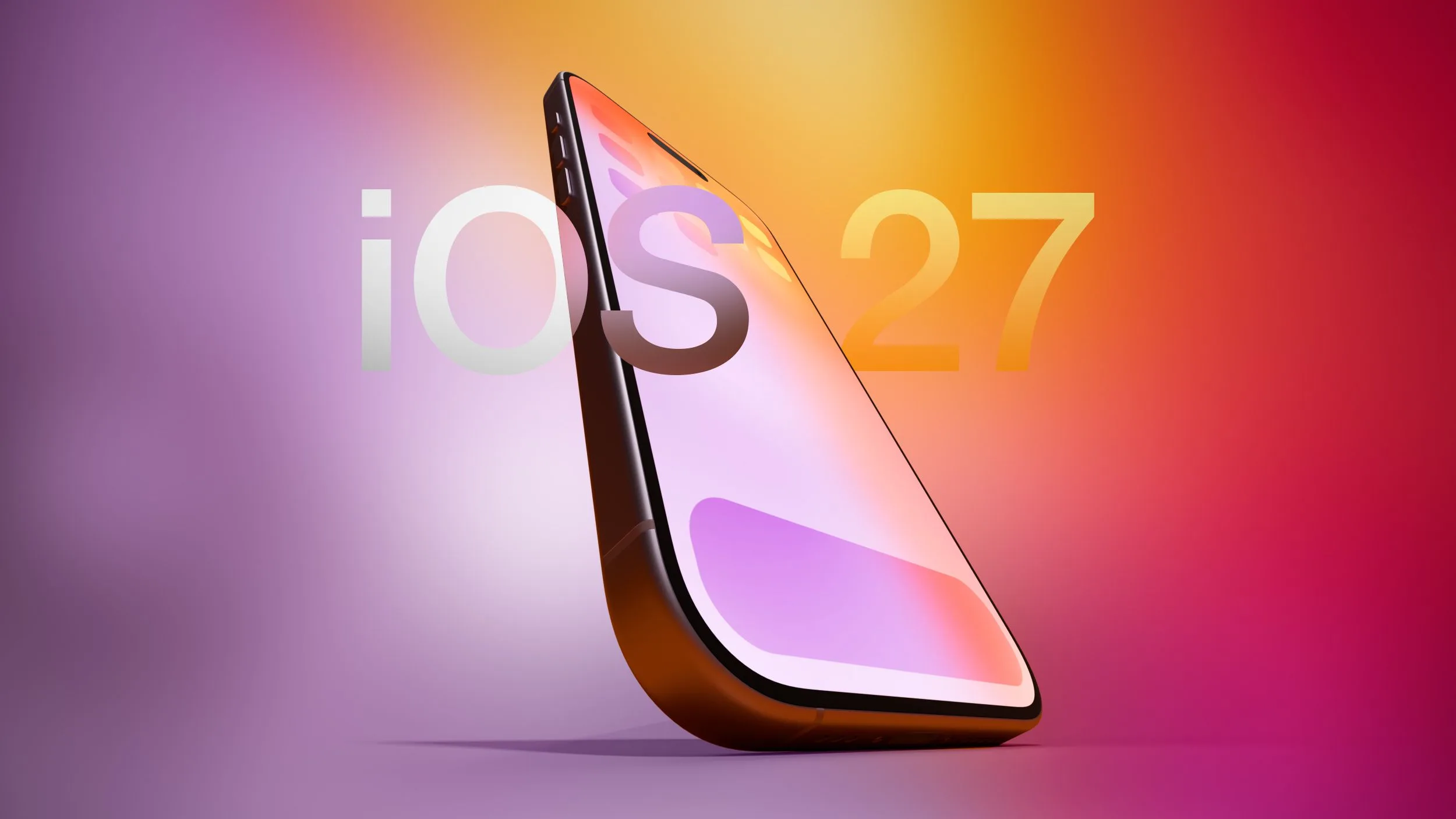
iOS 27 coming in September with new features for travellers including Live Translation through your AirPods, smarter Apple Wallet passes and hotel keys, trending places in Maps, Siri that can translate a menu or split a bill from the camera, and updated Find My sharing.
The Best iOS 27 Features for Travellers
TL;DR: iOS 27 officially lands next month with a handful of features that will genuinely help travellers on the road: Live Translation through your AirPods, smarter Apple Wallet passes and hotel keys, trending places in Maps, Siri that can translate a menu or split a bill from the camera, and Find My sharing that expires exactly when you want. Most will work on any recent iPhone, though the cleverest camera and Siri tricks need Apple Intelligence, so an iPhone 15 Pro or later.
Apple showed iOS 27 at WWDC in June, it has been in public beta over the summer, and the full release lands around mid September. If you travel, a few of these are worth turning on the moment you update. Several of these will be USA only initially, however they are expected to be rolled out internationally over time.
When does iOS 27 come out, and will my iPhone get it?
iOS 27 is due in mid September 2026, after a summer of beta testing. It runs on every iPhone that supported iOS 26, so the iPhone 11 and later. The catch is that the headline Apple Intelligence features, the Siri in Camera tricks and the new conversational Siri, need an iPhone 15 Pro or later. You can read Apple's own WWDC 2026 announcement for the full list.
Live Translation in your AirPods
This is the one most travellers will use and be able to use well. Live Translation lets someone speak to you in another language and hear it rendered into yours through your AirPods, close to real time, while your reply is translated back for them. It turns a market haggle or a taxi direction into something you can follow without a phone held between two faces.
It needs AirPods Pro 2, AirPods Pro 3 or AirPods 4 with Active Noise Cancellation, paired with a recent iPhone. Language and region availability has been expanding through the 26 and 27 cycle, so check that your language pair is supported before you rely on it. It is not perfect, but for getting the gist across a language barrier it is a big step up from typing into a translate app.

Apple Wallet gets a lot better for trips
Wallet is where iOS 27 does the most quiet travel work.
Digital hotel keys and trip details. At participating hotels and resorts you can unlock your room from Wallet, and see trip details, booked activities and available services in one place.
Richer passes. The redesigned boarding pass from iOS 26 now extends to loyalty, membership, rewards and gift cards, with clearer branding and useful tiles like points balances and event info.
Scan to create a pass. Got a paper concert ticket, gym card or a pass that only came in physical form? You can scan it into Wallet and carry it digitally.
Real time updates. Passes can surface at the right moment, for example your ticket appearing automatically as you approach a venue's gates.
Wallet also carries Apple's digital ID and passport in Wallet for eligible USA travellers at supported checkpoints, which is handy at the airport but very much region limited.

Want to see where your money actually goes? BudgetBro tracks it in any currency, free.
Maps: trending local lists and better Flyover
Maps gains a Local Lists section that surfaces places trending around you, which is useful when you land somewhere new and want a quick read on where people actually go. For now that trending layer is USA only. The enhanced Flyover feature also gives sharper, more detailed 3D city views, handy for getting your bearings before you set off on foot.
Siri in Camera: translate a menu, or split the bill
Point the camera, and Siri in Camera can read what it sees: translate a sign or a menu, identify an object, or scan a restaurant receipt and split it by item with Apple Cash requests. It is a genuinely clever travel tool, with one important limit for the split feature, the payment side runs on Apple Cash, which is USA only. We covered exactly what it does and where it falls short for international groups in our guide to Siri bill splitting for travellers.
Find My: share your location for exactly as long as you need
Find My now lets you set an exact date and time for a location share to expire, rather than picking a vague preset. On a trip that means you can share your location with the people you are travelling with for the length of a day out or an airport transfer, and know it switches itself off after. Precision Finding also helps you home in on a misplaced AirTag or AirPods Pro when something goes missing in a hostel dorm.
Call Context: your confirmation code, surfaced automatically
A small but lovely one. When you call a business like an airline, the Phone app can automatically find the relevant confirmation code or reservation number from your Mail and show it on screen during the call, so you are not scrambling through your inbox while an agent waits. Anyone who has been on hold to an airline knows the value of this.
What iOS 27 still will not do for your travel money
Here is the honest part. iOS 27 is excellent at the moments of a trip, one payment, one menu, one room key. What it does not do is manage the money across the whole journey. There is no multi currency budget that converts every spend at the rate on the day you spent it, no picture of how much your group has spent across two weeks, and no warning when your cash is about to run out. The bill split is one meal, in one currency, between Apple Cash users.
This is what BudgetBro is built for: track spending in over 160 currencies, split shared trips with people on any phone, and see exactly how long your money lasts. Apple is great at the snap. BudgetBro is built for everything that happens across the rest of the trip. It is free to start.
Frequently Asked Questions:
When is iOS 27 released?
iOS 27 was shown at WWDC in June 2026, ran in public beta over the summer, and is due for full release around mid September 2026.
Which iPhones can run iOS 27?
Every iPhone that supported iOS 26, so the iPhone 11 and later. The Apple Intelligence features, including Siri in Camera and the new Siri, need an iPhone 15 Pro or later.
Does Live Translation on AirPods work everywhere?
It needs AirPods Pro 2, AirPods Pro 3 or AirPods 4 with Active Noise Cancellation and a recent iPhone, and supported language pairs have been expanding. Check your languages are covered before relying on it abroad.
Can iOS 27 split a bill anywhere in the world?
The scanning and splitting work, but settling up relies on Apple Cash, which is US only. Outside the US you cannot pay each other through it, which is a problem for most international travel.
What does BudgetBro add on top of iOS 27?
Whole trip travel money: multi currency tracking in over 160 currencies, shared trips that work on any phone, and a view of how long your budget will last. Free to start, on your phone and on the web.
Wherever your next trip takes you, BudgetBro helps you track spending in over 160 currencies, split costs with the whole group and see exactly how long your money lasts. Free to start, on your phone and on the web.
Comments
No comments yet. Be the first to share your thoughts.
Related Articles
Split the Bill With Siri in iOS 27
Apple just announced splitting a dinner bill with friends will get easier, straight from your iPhone.
· 6 min read

Half Term Flights to Turkey Still £97 With 26C Heat in October
Turkey's still turning up as a cheap half term option, with flights reported from £97 and 26C heat well into October.
· 2 min read

Travel insurance Asia: World Nomads, SafetyWing and ASEAN trips
Travel insurance Asia is bought before you fly, country by country. A GHIC will not help you in Thailand or Vietnam.
· 3 min read
Latest Articles
View all articles
Zagreb Advent Day Trip: Is Europe's Best Christmas Market Worth It for £87?
Zagreb's Advent from Stansted on Monday 30 November: £87 return, 7 hours on the ground, about £125 all in. Your questions answered, including whether 7 hours is enough.
· 3 min read

Bratislava Christmas Market Day Trip: £77 Flights and 10 Hours in the City
Bratislava's Christmas market from Stansted on Friday 27 November: £77 return, 10 hours on the ground, about £124 all in. Here's the day, hour by hour.
· 3 min read

European Christmas Market Day Trips Under £100: Every Flight Checked
Five Christmas market day trips from Stansted with a return flight under £100, every fare checked on Google Flights. Plus the big names that didn't make the cut.
· 4 min read