
Split the Bill With Siri in iOS 27
In Apple's iOS 27, due later in 2026, you can scan a receipt with Siri in Camera, split it by item and send Apple Cash requests. But it only works between recent iPhones and only in the USA. For a multi-week, multi-country trip with mixed phones and currencies, you still need a dedicated travel budgeting app.
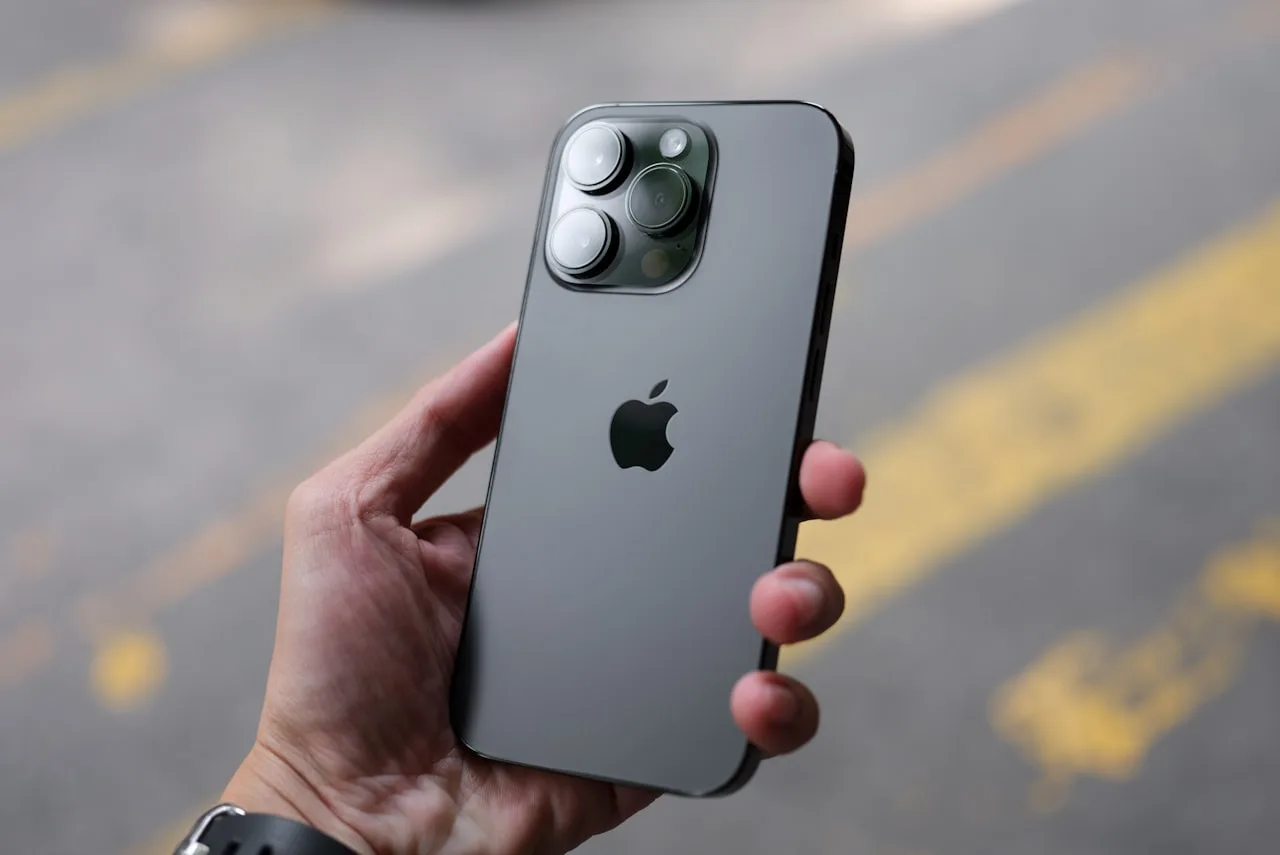
Apple's iOS 27 is coming later this year. How does the bill splitting feature help Travellers?
In Apple's iOS 27, now in public beta and due for full release in September 2026, you will be able to split a restaurant bill by item and send Apple Cash payment requests, but only between recent iPhones, and only in the USA. For a multi-week, multi-country trip with mixed phones and changing currencies, you still need a dedicated travel budgeting app.
At WWDC 2026 on 8th June, Apple showed off a feature that quietly fixes one of the most awkward moments of any trip: working out who owes what after a group meal. Point your iPhone camera at the receipt, Siri in Camera turns each line on it into something you can tap, you mark who ordered what, and it fires off itemised Apple Cash requests to everyone at the table. No more dividing by four when one person had the lobster and three had noodles.
It is genuinely clever, and it is validation of something we have believed for a while; that splitting money between friends is a real, everyday pain that most apps handle badly.
But there is a gap between splitting one dinner and managing a whole trip, and that gap is worth understanding before you assume your phone now has it covered.
What was announced by at WWDC 2026?
Apple's new Siri in Camera mode, part of the wider Visual Intelligence push it set out at WWDC 2026, lets you scan a receipt and split it by individual item.
Apple software VP Sebastien Marineau-Mes demoed sending separate Apple Cash payment requests based on what each person actually ordered. The line items are recognised by Apple's on-device models, and the people you bill do not need to download anything. The new Siri is rolling out in the iOS 27 beta. TechCrunch's write-up of the announcement has the full demo which you can see.
How does Apple's bill splitting actually work?
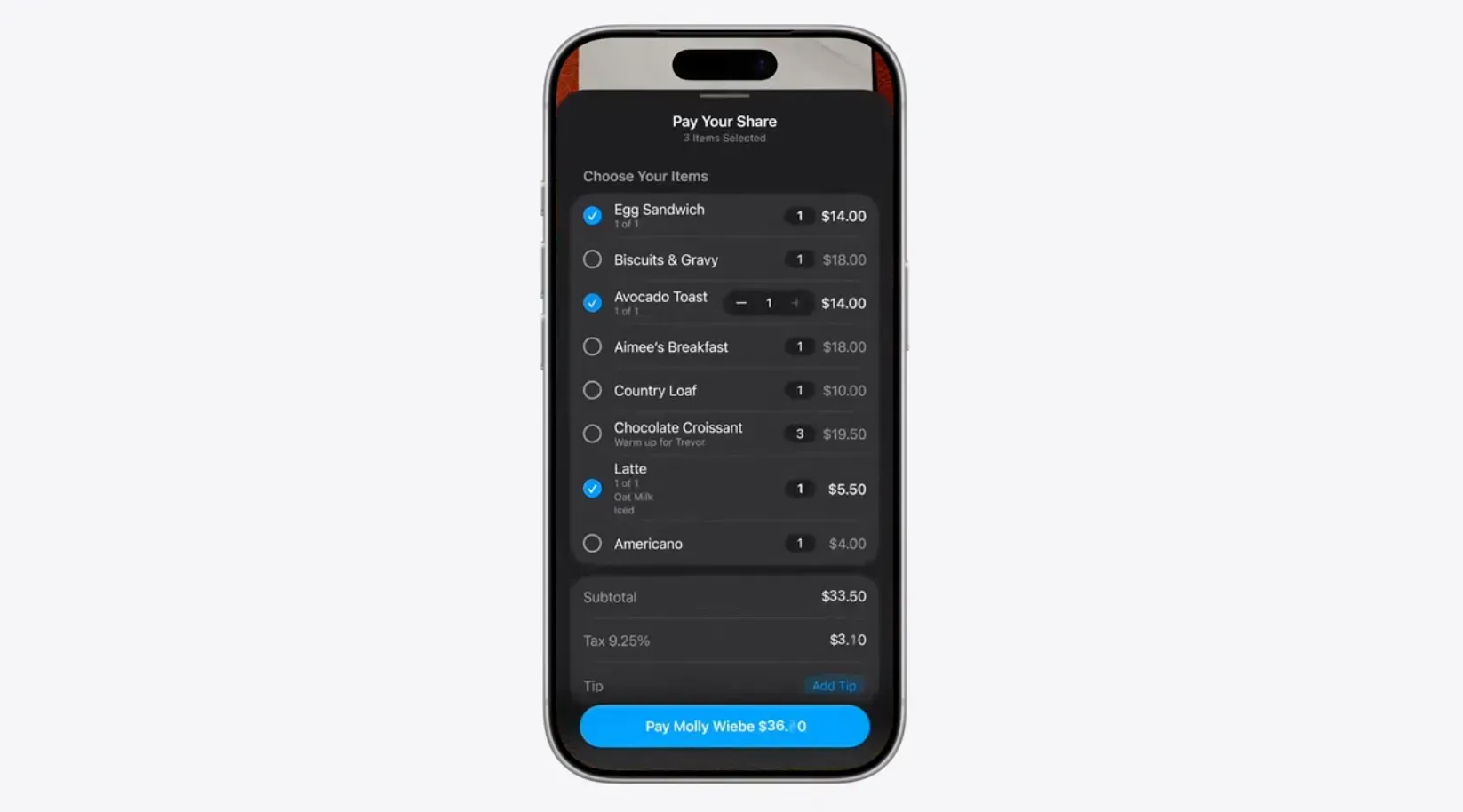
The flow is about as simple as it gets:
- Open the Camera app and point it at the paper receipt.
- Siri in Camera reads it and makes each line item tappable.
- Tap to assign who ordered what, so the totals reflect what people actually had.
- Send itemised Apple Cash requests straight from Messages, and they settle between Apple Cash users.
When can you use it, and which iPhone do you need?
Apple showed the feature at WWDC in June 2026, it has been in public beta over the summer, and iOS 27 is due for full release around mid September 2026. iOS 27 itself runs on the iPhone 11 and later, but Siri in Camera is an Apple Intelligence feature, so the bill splitting needs an iPhone 15 Pro or later. If your phone is older, or your friends are on Android, this part simply will not appear.
It is worth knowing the receipt split is one piece of a wider Apple Wallet travel push in iOS 27, alongside digital hotel keys, richer boarding and loyalty passes, the option to scan a paper ticket into a digital pass, and passes that update in real time. Handy on a trip, but all of it still leans on where Apple's own payment rails work, which is the catch for travellers below.
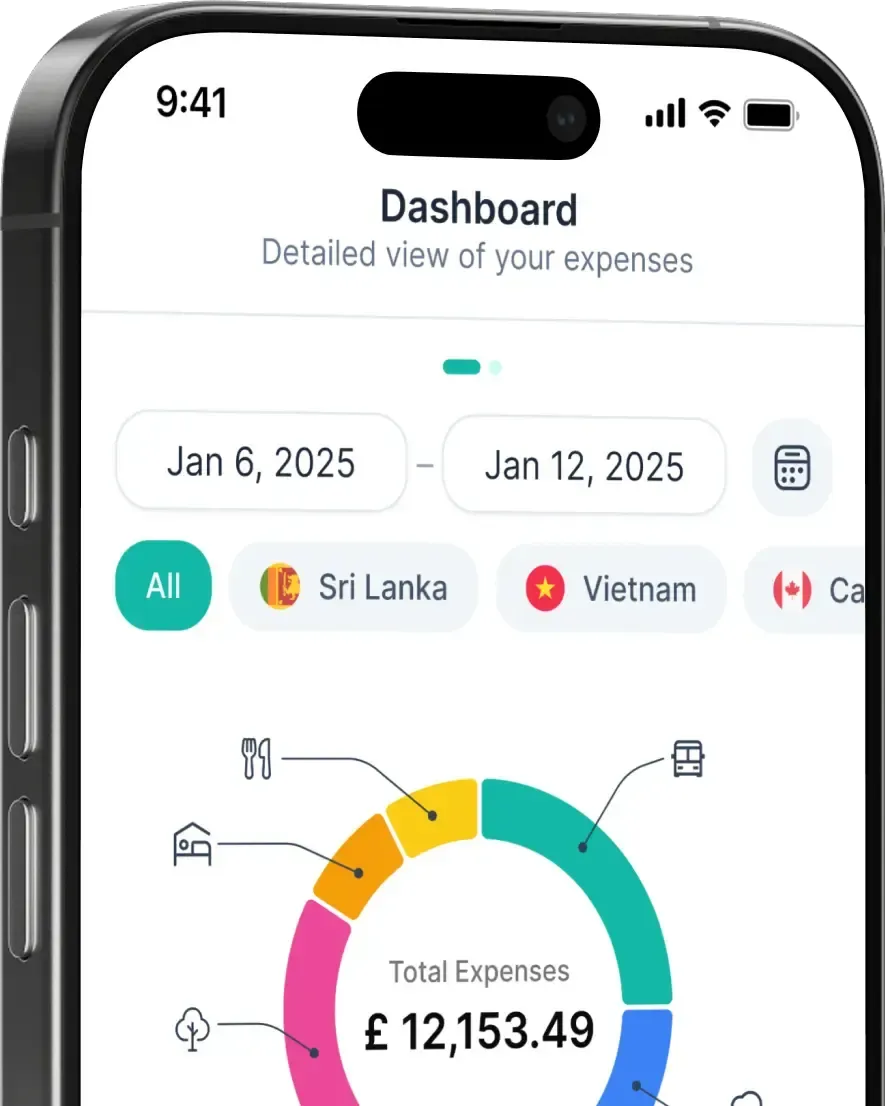
Want to see where your money actually goes? BudgetBro tracks it in any currency, free.
What does it not solve for travellers?
Here is the key part. Apple's feature is excellent at one specific job: one meal, one currency, between people who all use Apple Cash.
On the road though, for travellers, very little of that is helpful.
Apple Cash is US-only. If you are backpacking Southeast Asia or splitting a villa in Portugal, the people at your table almost certainly do not all hold Apple Cash, which Apple only offers in the US.
It needs a recent iPhone. Siri in Camera runs on Apple Intelligence, so older iPhones and every Android traveller in your group are left out (Apple has listed which models qualify).
It splits one meal, not a trip. It answers "who owes what for this dinner", not "how much has our group spent across two weeks", "are we still under budget", or "how long will my money last" like BudgetBro.
No budgeting, no currency history, no runway. It is a settle-up tool, not a travel money tool. It will not convert a 500 baht lunch today or a 65,000 VND salted coffe next week at the different rates each day, and it will not warn you when your cash is about to run out.
How BudgetBro fits alongside it
Think of Apple's feature as the tool for the table and BudgetBro as the tool for the trip:
Shared trips that work on any phone. Add everyone, log shared costs, and keep "who paid for what" out of the group chat, whether they are on iPhone or Android.
160+ currencies, converted on the day. Each expense is converted at the exchange rate on the day you spent it and frozen, so your group totals stay honest.
Travel Runway. At your current spending rate, how many more weeks can the group keep going? You find out before the money runs dry, not after.
One picture of the whole trip. Income, recurring costs, multiple accounts and balances, on your phone and on the web, in sync together.
If you are weighing up where each tool fits, check our rundown of travel budgeting alternatives which lays the main options out side by side, and if you are still deciding whether you need one at all, we cover exactly that in do you really need a travel budgeting app? The short version: a pure split-the-bill feature is great for one job, and a travel budgeting app is ideal for you when money has to last across a longer, multi-country trip.
Apple bill splitting vs BudgetBro at a glance
- Best for: Apple is built for one restaurant bill among friends. BudgetBro is built for tracking and splitting a whole trip.
- Where it works: Apple settles through Apple Cash, which is US-only. BudgetBro works worldwide in over 160 currencies.
- Devices: Apple needs a recent iPhone running Apple Intelligence. BudgetBro runs on iPhone, Android and the web.
- What it splits: Apple splits a single meal by line item. BudgetBro runs ongoing shared trips and splits any expense, not just dinner.
- Beyond splitting: Apple adds food nutrition estimates. BudgetBro adds budgets, Travel Runway, an AI money companion and a community Explore map.
Apple solving bill-splitting is a win for everyone, and on a US weekend with an all-iPhone group it will feel like magic. For the longer, messier, multi-country trips, where the currency keeps changing, half the group is on Android, and the real question is whether the budget lasts, you need a tool built for travel money. That is the line BudgetBro is built for, and it is free to start.
Heading elsewhere on your travels? See our guides to 16,095KM Away From Home and From the Founder.
Frequently Asked Questions:
What is Apple's new bill splitting feature?
Announced at Apple's Worldwide Developer Community event (WWDC 2026) and shipping in iOS 27, Siri in Camera lets you scan a paper receipt, tap individual items to assign them to people, and send itemised Apple Cash payment requests from Messages.
Does Apple's bill splitting work outside the US?
The splitting works, but the payments rely on Apple Cash, which is US-only. Outside the US you cannot settle through it, which is a problem for most international travel.
Does it work on Android?
No. It relies on Apple Intelligence and Apple Cash, so Android users and older iPhones are not supported. Mixed-phone travel groups are left out.
Can BudgetBro split a bill?
Not yet, but other travel apps can. The most popular app currently is Splitwise. Shared trips in BudgetBro lets you add travel companions on any phone, log shared costs and track who owes what, in over 160 currencies however, with regular updates.
Is BudgetBro free?
Yes. BudgetBro is free to start, with an optional BroPro upgrade for unlimited features.
Comments
No comments yet. Be the first to share your thoughts.
Related Articles

Tourist Taxes in Europe 2026: Barcelona, Venice and Edinburgh
Barcelona doubled its tourist tax in April, Edinburgh started a 5% visitor levy in July, and Venice's day-tripper fee has ended for 2026. What each one costs you.
· 2 min read

Thailand Visa-Free Stay Is Now 30 Days: What It Means for Your Trip
Thailand cut its visa-free stay from 60 days to 30 days on 15 September 2026, and UK passport holders are on the 30-day list. Here's what changed and how to budget around it.
· 1 min read
The Best iOS 27 Features for Travellers
iOS 27 is quietly full of travel features, from Live Translation in your AirPods to smarter Apple Wallet passes. Here are the ones worth knowing for September.
· 6 min read
Latest Articles
View all articles
Arab Nomad Fest 2026
A week long hybrid festival on Morocco's Atlantic coast bringing together Arab digital nomads, remote workers, freelancers and creators for growth and genuine connection.
· 1 min read

Arab Nomad Fest
A blend of masterminds, surfing, and cultural experiences in Taghazout.
· 1 min read

Palma Day Trip From the UK: Flights, Times and the Full Cost
Every UK airport with a same-day return to Palma, the cheapest dates and what the day on the ground costs.
· 1 min read