Bro's Blogs· 7 min read
Behind the Launch: How to build the Perfect Kickstarter
A complete breakdown of how to build a successful Kickstarter campaign in 2025
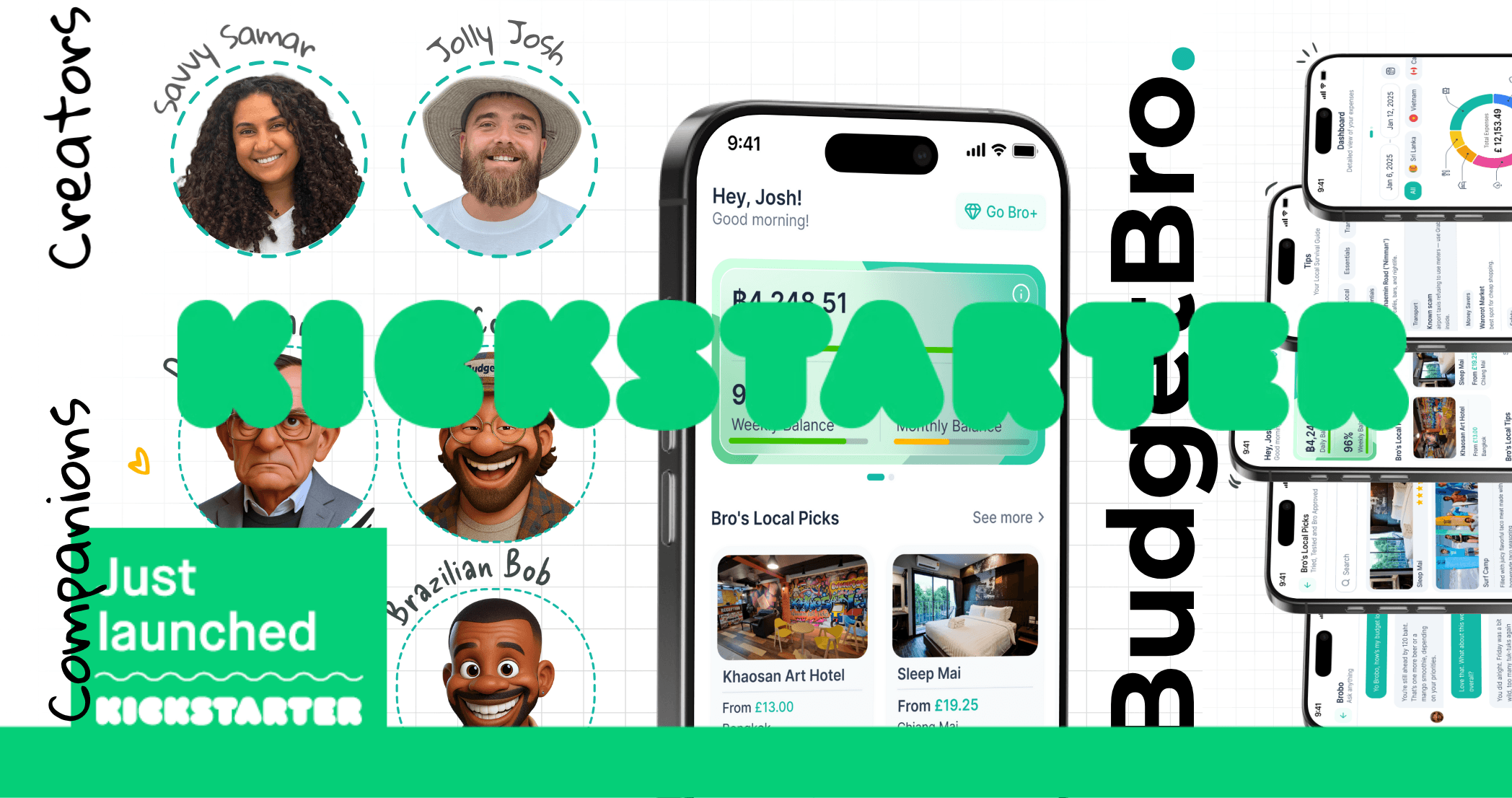
How to Build the Perfect Kickstarter Campaign
The difference between the perfect kickstart campaign and a failing campaign is all in the preparation. It's not just preparation either, it's timing. Prior to releasing out kickstarter campaign we read Kickstarters own Resource & guides. Here are 3 of Kickstarters own links. Kickstarter How to Get Featured on Kickstarter in 2025, Kickstarter Updates: Level Up Your Campaign, The Best Time to Launch Your Kickstarter Campaign in 2025. We also used one other blog called Launch Bloom which aren't connected to Kickstarter but well worth the read. Best Time to Launch a Kickstarter Campaign: Exact Day, Month, and Hour.
It's also really important you see similar campaigns to yours are doing on the Kickstarter website. Make a list of what's working at what isn't. I found physical products went hard on Kickstarter, so if your idea or product is digital, you may need to go the extra mile, it seems digital products don't do nearly as well compared to digital ones.
Tiers
This follows on from my last paragraph above, you need to spend just as much time on your tiers (especially if you're a digital product) you will need to offer more than an average tier. Take time and look through previous successful campaigns which are digital products. I cannot stress that enough, you need to offer top tier things (pun completely intended LOL)
When we put our tiers together we had to look into what was working, why it was working and how much the tiers were, we also researched how much the average pledge was in app development and ensured our tiers we're aligned with this whilst undercutting the tiers by around 15% in the hope this will give us an edge.
There's also something called 'Featured Tier' this would be your main tier for people to pledge into, it's said that Kickstarter pays attention to how well your featured tier does and this is one of the main reasons they'll push your content.
Step By Step Guide
If you're still unsure, I've got you covered, below we will go through each step of creating a campaign on Kickstarter. The first 3 steps are pretty self explanatory but I'll upload the images below to ensure you don't get lost. Steps 1,2 and 3 are selecting your category, sub category
Once you've completed the first 3 steps you're into the main campaign editing area, here you will start building the future success of your Kickstarter journey. On the first image it covers project title, project category and project location.
Next we have project image and video, these are SUPER important. Remember, these are the first things a potential pledger will see, and according to Kickstarter campaigns with videos do 80% better.
When I was deciding what I would use for my thumbnail, I again trawled Kickstarter for previous successful campaigns. Nothing actually stood out to me but what I did notice was all of the failed campaigns had super generic thumbnails and the successful ones usually had great artwork. I also wanted ours to be a little personal, thats where I opted to include mine and my wife's photo whilst also keeping the premium feel.
The next is the video, we spent a considerable amount of time on this but for us, the video wasn't just for Kickstarter, it was for our website and socials. We did 5-6 takes before we got it right, we also struggled getting it to less than a minute but eventually we got there. We also show the product within the first 10 seconds, something we hadn't done in the first video. Trial and error, keep going until you're confident with it.
Next we have pledge over time and target launch date. Pledge over time is personal preference and target launch date is again completely up to you.
Finally for the basic information page we have shipping and post-campaign, again totally your choice on what to pick.
Funding
Project budget isn't mandatory but it's also important for any potential pledgers to see where your money is going. I'd recommend filling this in and also being 100% transparent. The second part of the page is mandatory, this is your funding goal. Kickstarter will automatically put their fees and a 10% buffer on top of this figure.
Rewards
This looks like a page you probably don't need to worry too much about but it is, your tiers are just an important as your main blurb. This takes me back to my previous paragraph above, maybe scroll up and recap before we continue. If you're ready, let's go!
As I already mentioned picking my rewards was difficult as BudgetBro is a digital product, I feel like any digital product you need compelling tiers, that's where our idea of Bro's Build Board came in. This allows any pledger to be apart of the BudgetBro build by upvoting. It's simple, we post our ideas into a forum and pledgers vote whether they like the idea or not. The top ideas get implemented. Alongside this we have other tiers like Bro's Founding Wall, Early Access, and we even included a physical product, a branded t-shirt.
Remember you need to feature one of your tiers, make sure you do extensive research into this to ensure you're not undercutting or overvaluing your featured tier as this can have dramatic effects to your overall campaign.
Story
This page is your wow factor, your chance to shine amongst the rest. There's some GREAT advice in the articles I linked at the start, take note but also check out other Kickstarter campaigns. They say you need a 80/20 ratio of photos to text, it needs to be engaging and also really clear. Also the layout of your page is just as important. Although other's suggest otherwise and generally we listen to all the advise given to us I thought by starting off talking about who we are why we are here felt more natural and instantly given trustworthy vibes. However this is your campaign so you can make your own set of rules. We had our artwork done by the designer of BudgetBro too, here's our layout.
Plan
This page is super simple, all you need to do is read the advice Kickstarter are offering to you. don't just scan it quickly, if you want to go far, you need to dedicate sometime into really understanding the process. At the end of the day, Kickstarter know best and Kickstarter don't get paid unless you hit your goal, so it's in their best interest to help you succeed.
read it, read it again and mark as complete.
People
You don't edit this page within the same window, it takes you to your profile for you to create a bio, add website and social links etc.. It's straight forward, put up a nice photo, link whats needed and let's move on to the final 2 pages!
Payment
Another straight forward and simple page, your hard work is pretty much done, on the payment page enter your personal details, your bank details get everything confirmed and ready for when you go live.
Promotion
You're on your final page! Congratulations you made it this far! On this final page there's not much for you to do, this I all about links, referral, analytics and so forth. If you're not interested in all this go back to your project page and submit. Within a few days you'll receive this....
I hope you've found this helpful, I wish you all the best with your own Kickstarter campaign too. this whole time I've taken the stance of the 'perfect' campaign however this is my view after many hours of research. My kickstarter isn't live yet (should be live by time you read this) and hopefully the hard work pays off. here's the link to my campaign, jump onboard, share the love, pledge!
#Kickstarter#Campaign#Crowdfunding